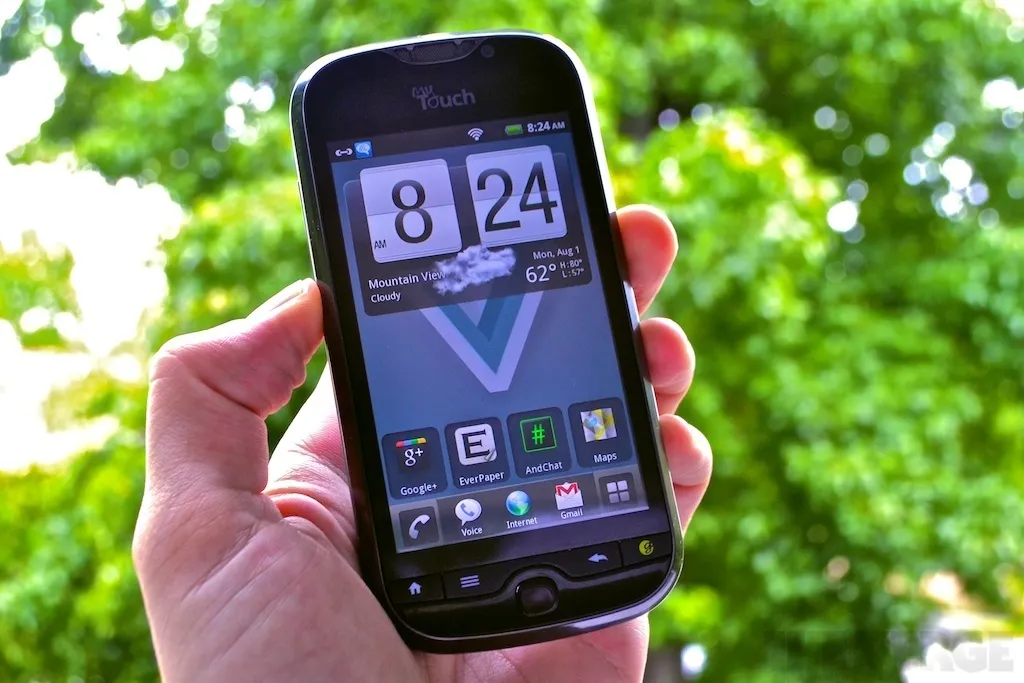
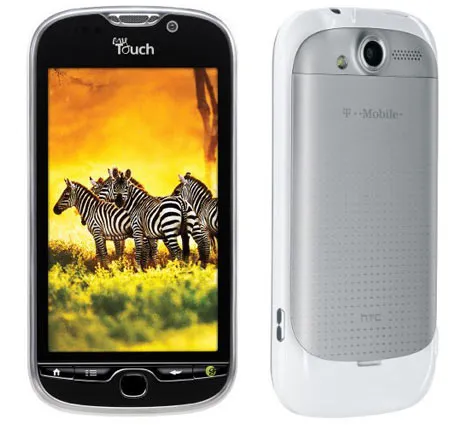
CyanogenMod’s FAQ did not work on two T-Mobile myTouch 4G phones running Android 2.2.1. The documented exploit returned an error occurred while running exploit when I ran /data/local/tmp/fre3vo -debug -start FAA90000 -end FFFFFFFF.
After testing several approaches, the following method produced permanent root and S-OFF on both phones.
Requirements
This guide assumes a Windows PC, a working USB data connection, and ADB prepared from this archive.
These historical downloads are retained exactly as supplied with the original guide. Verify the SHA-256 checksum before using either archive:
adb.7z—776ff0144c3bdd3f6d49e709256b59735cde77cec6a2c825bba3d449661783c3gfree.7z—3d319afa64dbf5792d71a44a3e9354e46e13f7fae378305ba5434dd867022a3f
Root and enable S-OFF
-
Download the Visionary APK from the Visionary project page and install it on the phone.
-
Download the archived GFREE bundle, then extract it into the ADB folder.
-
Install Terminal Emulator on the phone. The original Android Market listing is no longer available; the archived upstream project documents its releases and source.
-
Install ROM Manager. Its original Android Market listing is no longer available.
-
Open Visionary and enable Temproot on Boot and Set System r/w After Root.
-
Select Attempt Temproot Now.
-
Open Command Prompt and change to the ADB directory.
-
Push
gfreeto the phone:adb push gfree /data/local -
Disconnect the phone from the computer.
-
Open Terminal Emulator and run
su. -
Change to the working directory with
cd /data/local. -
Make the file executable with
chmod 777 gfree. -
Run
./gfree. -
Power off the phone.
-
Hold Volume Down + Power to enter HBOOT. The status should display S=OFF.
-
Reboot, open Visionary, and select Attempt Permroot.
-
Reboot the phone again.
-
Open ROM Manager and install ClockworkMod Recovery.
-
Install the compatible ROM you intend to use.
Sources
- The former CyanogenMod HTC Glacier wiki page is no longer available; its documented method did not work on the two phones tested.
- The Unlockr guide — the documented method did not work on the two phones tested.
- BriefMobile