The listing says “unlocked.” What does that prove?
Usually, it proves only that the phone can accept service from more than one mobile carrier.
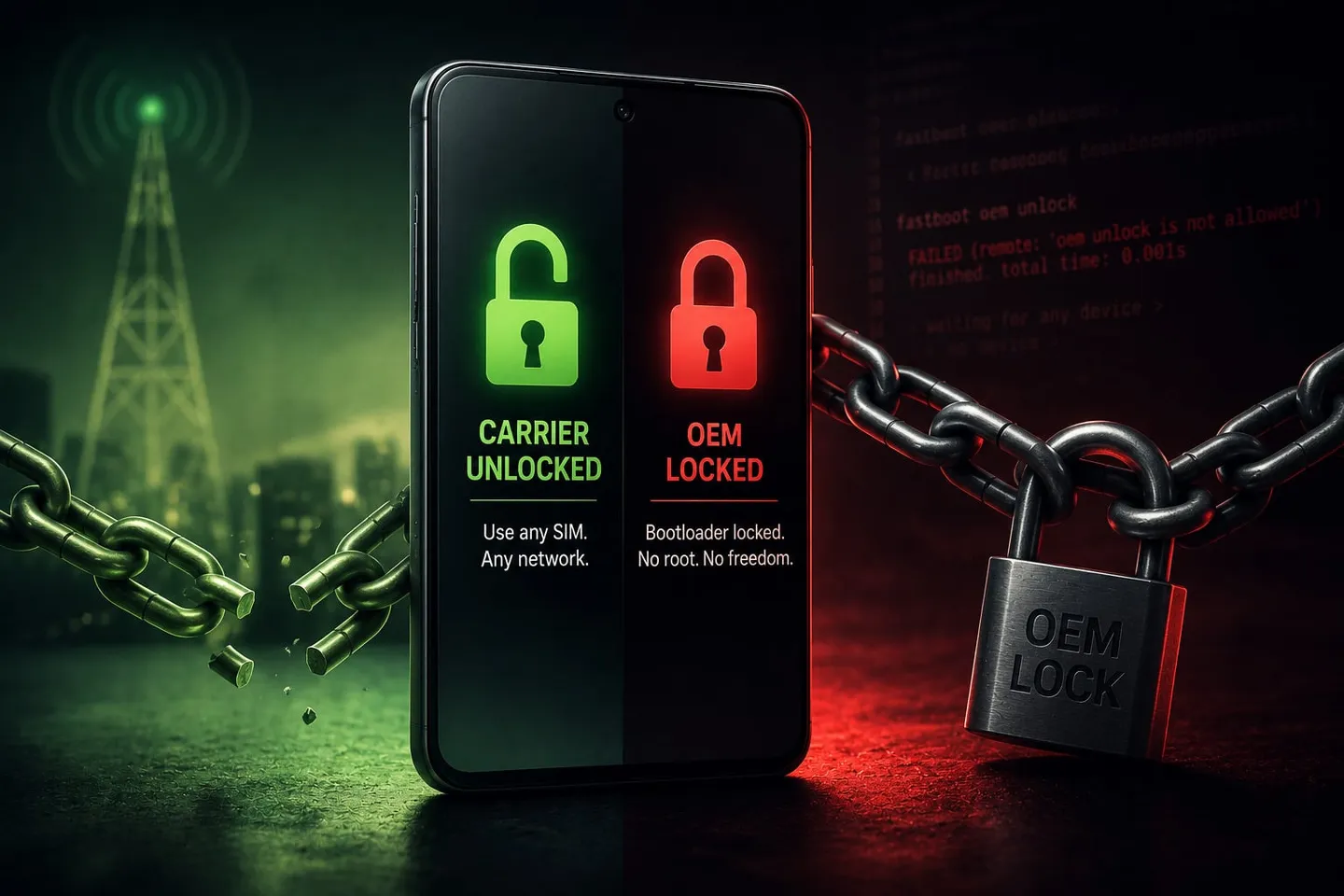
A carrier lock controls which carrier’s SIM or eSIM the phone can use. A bootloader lock controls whether the owner can replace the installed operating system. They are separate systems, and clearing one does not clear the other.
This is why a phone described as “factory unlocked,” “SIM unlocked,” or simply “unlocked” can still be impossible to flash.
What the OEM unlocking control tells you
On an Android phone, enable Developer options and look for OEM unlocking. Do not send an IMEI, password, or personal screenshot to prove what you see.
- Available and switchable: This is a good sign, but the exact phone and requested OS still need to be checked.
- Present but gray: The phone may need an internet connection, a system update, time after first activation, removal of work management, or a different account state. It can also mean the seller or carrier permanently disabled unlocking.
- Missing: The manufacturer, model, software build, or sales channel may not permit bootloader unlocking.
- Already enabled: Report it during the service request. Do not unlock the bootloader or follow a random guide merely to test it.
No single screen can prove every prerequisite, but this control is much more relevant than the carrier-unlock status.
Why the seller and carrier history matter
US carrier-sold Pixels are a common example. The hardware name can match a Google Store phone while the carrier channel disables OEM unlocking. A later SIM unlock does not necessarily restore it.
Marketplace listings add another problem: the product title may remain the same while the seller, carrier origin, region, condition, or actual model changes. “Unlocked Pixel” is not enough information for a retailer-direct order.
Watch for these listing problems:
- no exact model or SKU;
- “GSM unlocked” language with no bootloader information;
- carrier-branded inventory;
- a marketplace offer where the selected seller can change;
- imported or regional models substituted under one product page;
- refurbished inventory with no reliable sales-channel history; and
- a return policy that excludes bootloader or software changes.
If you are buying a phone
Prefer a factory-unlocked phone sold directly by its manufacturer or an exact retailer offer that can be checked before purchase. Send Reflash Lab the live product link and the setup you want. Wait for confirmation before directing the retailer to ship it to us.
The check applies to the exact offer reviewed, not every listing with the same headline.
If you already own the phone
Send the model shown in Settings → About phone, where it was purchased, whether it was ever tied to a carrier, what the OEM unlocking control shows, and the operating system you want. If the catalog does not list the phone, choose “My phone is not listed” in the request form.
Do not send an IMEI, account credentials, proof of purchase, or personal screenshots through the website or chat.
Sources
- GrapheneOS device support FAQ — GrapheneOS
- CalyxOS device support — CalyxOS
- Locking and unlocking the bootloader — Android Open Source Project