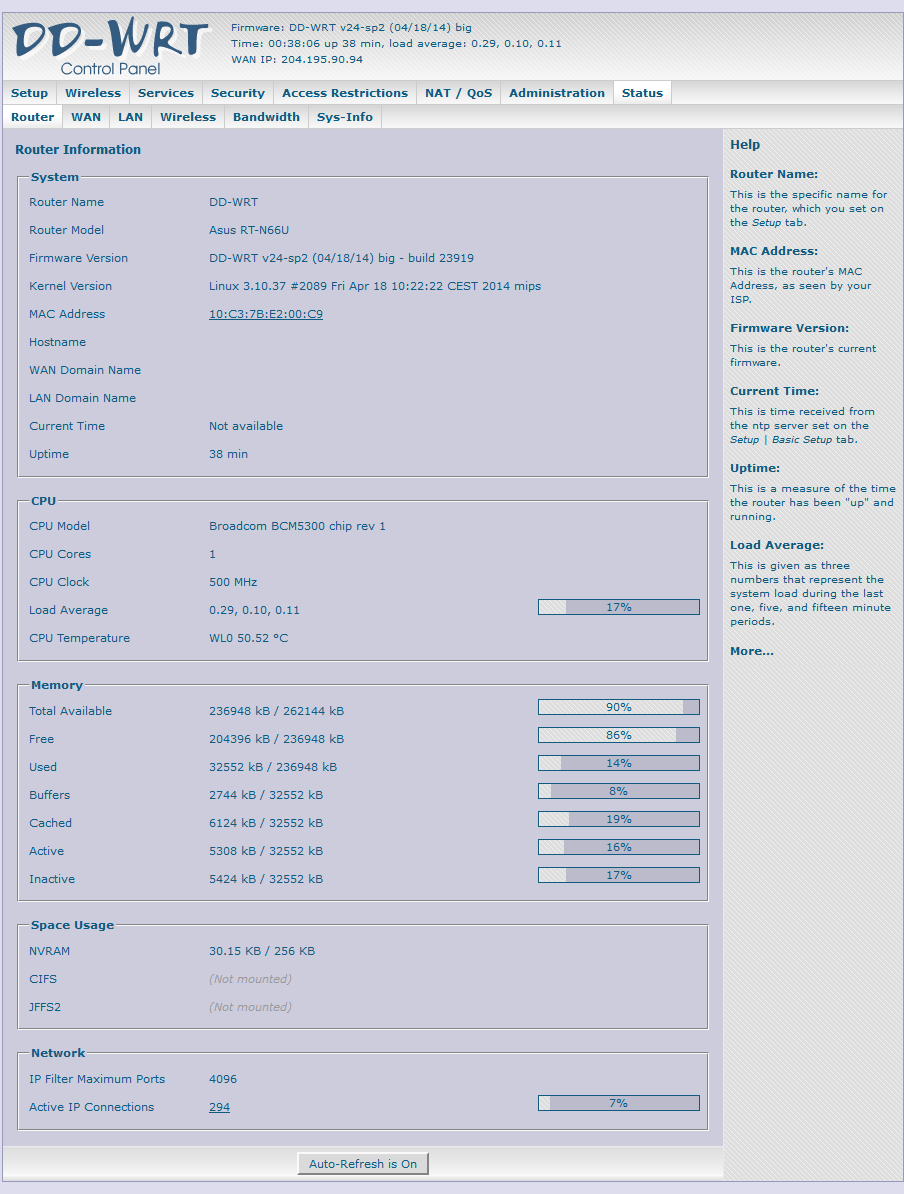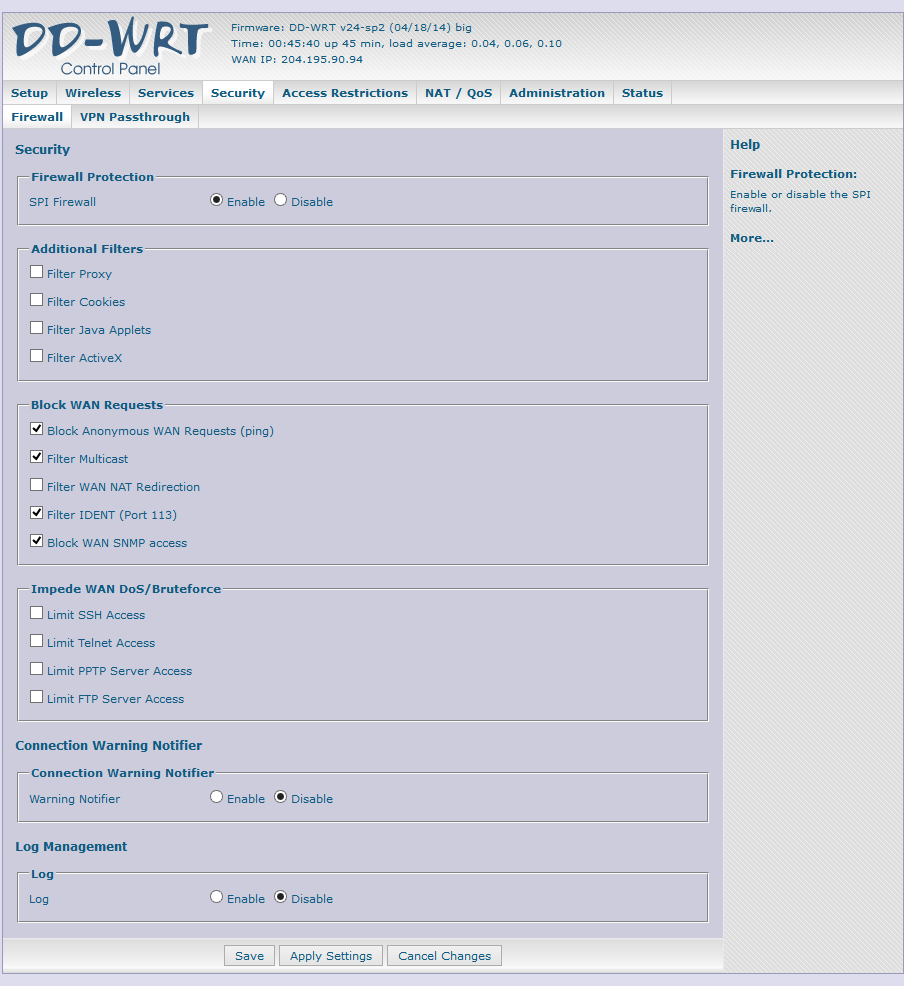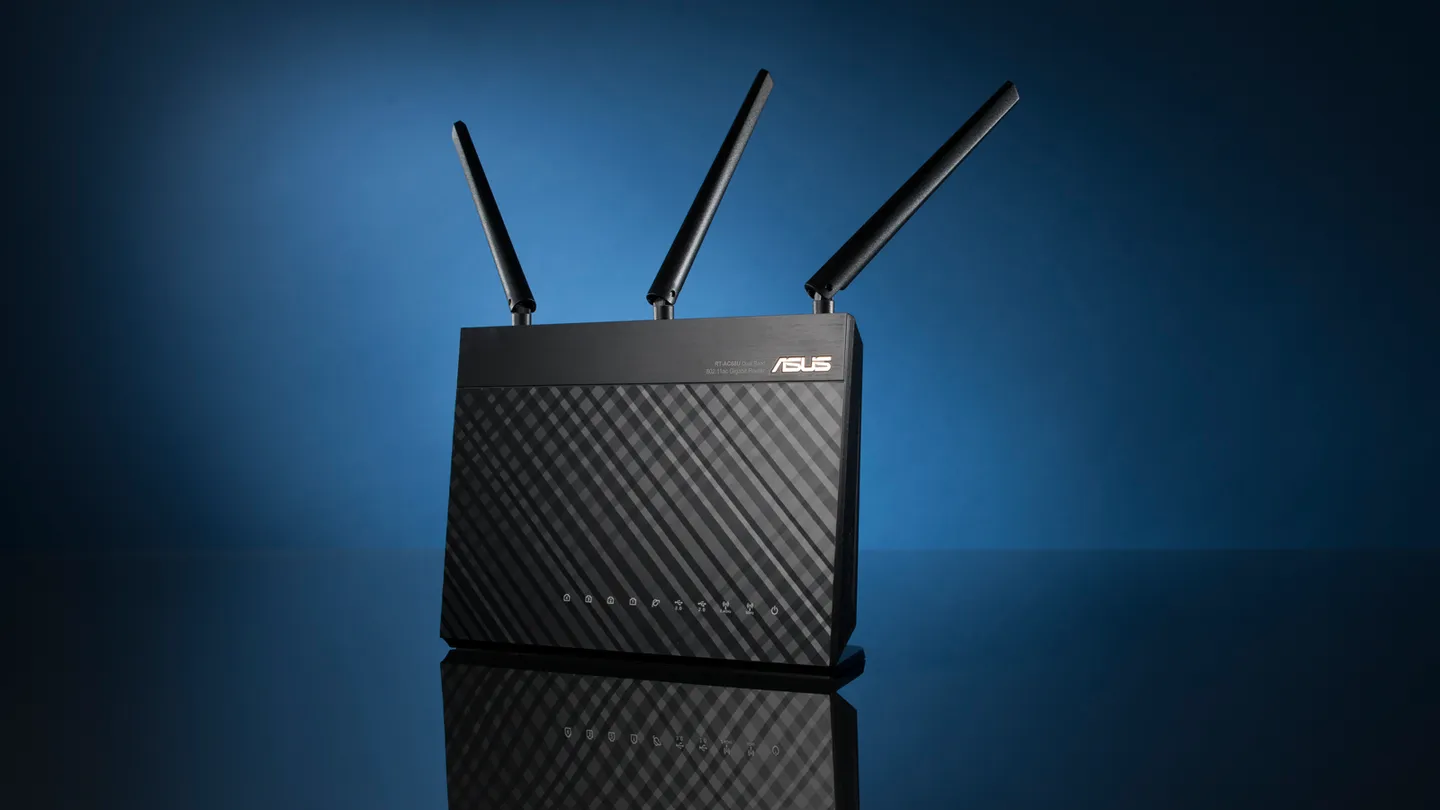
I originally prepared this guide after spending more time than expected sorting through conflicting instructions for an RT-N66U hardware revision B1. These are the steps that worked for that router.
Install DD-WRT
- Connect an Ethernet cable between a LAN port on the router and the PC.
- With the router powered off, hold the Reset button and turn it on. Continue holding Reset until the Power light begins blinking slowly, which usually takes about 15 seconds.
- Download and launch ASUS Firmware Restoration from the official RT-N66U support page.
- Use the utility to flash BrainSlayer V24-preSP2 build 23919.
- Allow up to one hour for the process to finish. The Wi-Fi LEDs turn on after the router completes its boot sequence.
- Power off the router, then power it on while holding the WPS button to clear NVRAM.
- Wait several minutes for the router to finish rebooting.
Recovery and operating notes
- When updating from the DD-WRT web interface, rename the
.trxfile to.binbefore uploading it athttp://192.168.1.1. - DD-WRT does not provide the hardware acceleration available in some stock ASUS builds or Asuswrt-Merlin builds. Those builds may provide better throughput on faster connections.
- The 2.4 GHz radio generally provides longer-range coverage; 5 GHz generally provides higher speed over a shorter distance.
- If QoS causes high CPU temperature or instability, disable it and retest before changing other settings.
- Router temperature is shown under Status > Router. CPU frequency controls are under Administration > Management.
- If the router appears bricked, re-enter recovery mode by holding Reset while powering it on. Use the rescue utility, or temporarily assign the PC
192.168.1.11with subnet mask255.255.255.0, then open the recovery interface.