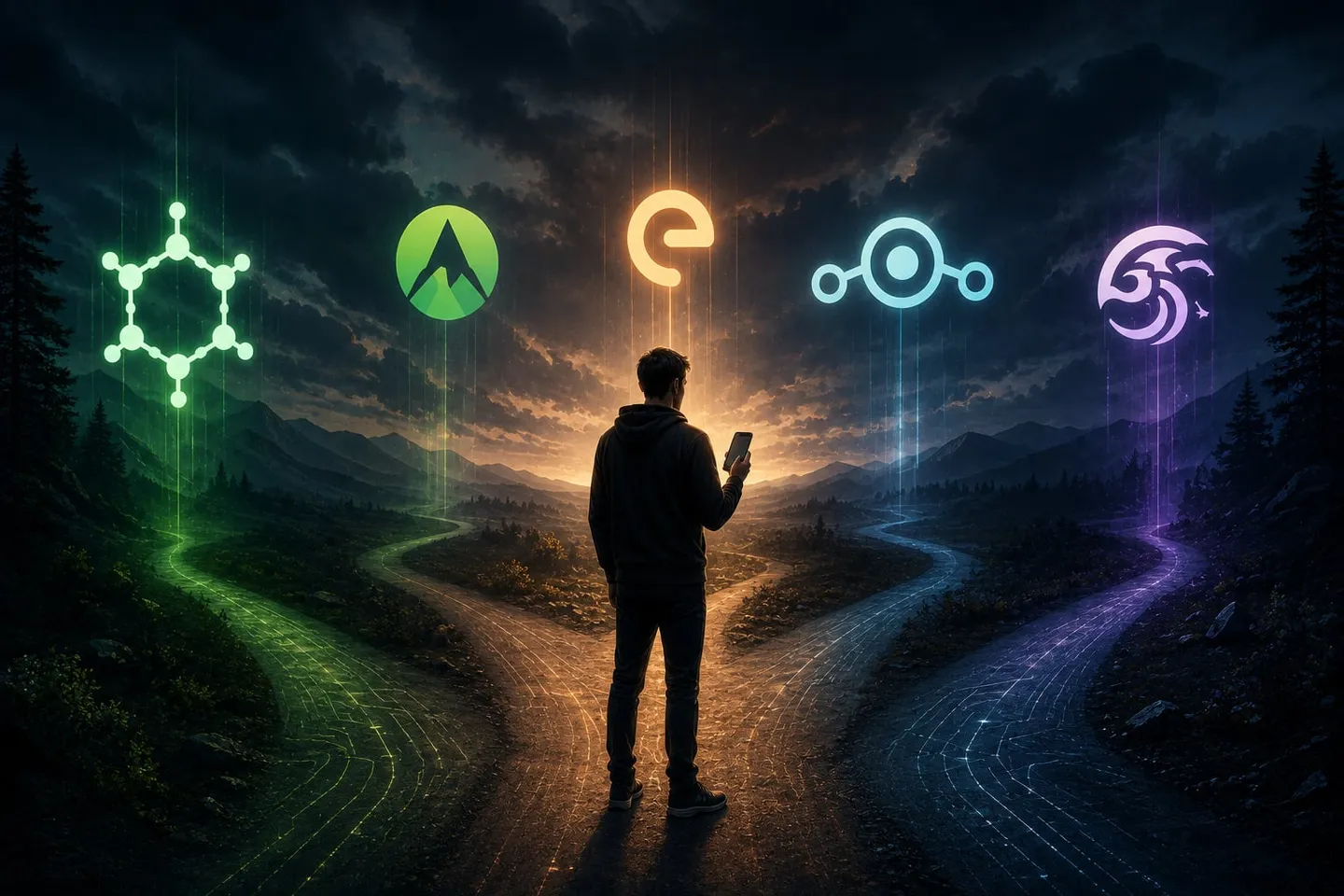
Begin with requirements, not a brand name
Write down the apps and phone features you must keep before comparing operating systems. Include banking and payment apps, work management, Android Auto, a smartwatch, hearing devices, camera features, games, streaming services, carrier calling features, and anything else that would make the phone unusable if it failed.
Then answer four questions:
- Do you already own a phone, or are you willing to buy a supported one?
- Do you want no Google components, an open-source compatibility layer, or official Google Play compatibility?
- Is security hardening the first priority, or do hardware choice and customization matter more?
- How long must the phone continue receiving complete updates?
The short comparison
| System | Hardware | Google-service choices | Strong reason to choose it | Important limitation |
|---|---|---|---|---|
| GrapheneOS | Selected Google Pixel phones | No Google services, or official Google Play running as sandboxed apps | Strong exploit hardening and privacy controls on supported modern Pixels | Narrow hardware selection |
| CalyxOS | Pixels plus selected Fairphone, Motorola, and SHIFT models | Integrated microG can be disabled, used without an account, or connected to a Google account | Familiar daily use with a privacy-oriented Google compatibility layer | microG does not reproduce every Play service behavior |
| /e/OS | Broad phone catalog, varying by release channel | microG-based compatibility and optional Murena services | Broad hardware choice and an integrated non-Google service ecosystem | Security properties and bootloader behavior vary substantially by phone |
| LineageOS | Broad catalog maintained per device | No Google apps by default; compatible GApps or other add-ons can be installed on many devices | Hardware choice, a clean Android base, and extensive customization | Support depends on the exact maintainer and device; many combinations remain bootloader-unlocked |
| crDroid | Broad official catalog maintained per device | Google apps are not bundled by default; compatible packages depend on the exact build | Extensive interface controls, performance options, and flexible setup | Bootloader handling and build status must be checked for the exact phone |
Choose GrapheneOS when security engineering comes first
GrapheneOS is the strongest starting point in this group when you are willing to use a supported Pixel and prioritize exploit resistance, hardened components, strong app sandboxing, and keeping verified boot with the bootloader locked.
It does not require giving up the Play Store. Official Google Play can be installed as ordinary sandboxed apps in one user profile, another profile, or not at all. This is useful when important apps depend on Play services but you do not want those services integrated as privileged operating-system components.
GrapheneOS is a poor fit if you require a non-Pixel phone or want system-level modifications that conflict with its security model.
Choose CalyxOS when microG matches your app needs
CalyxOS includes microG and presents several first-setup choices: disabled, enabled without Google push notifications, enabled with push notifications, or connected to a Google account. That makes it attractive to someone who wants fewer Google components while keeping many apps that expect Play services.
Its supported hardware extends beyond Pixels, although support dates and bootloader behavior still need to be checked per phone.
Choose it after checking your critical apps. microG covers many common APIs, but it is not identical to official Google Play services.
Choose /e/OS when device choice and an integrated ecosystem matter
/e/OS supports a broad range of phones and pairs Android with microG-based compatibility and optional Murena cloud services. It can be a practical fit for repair-oriented hardware such as the Fairphone 5 or for a supported phone outside the Pixel catalog.
The broad hardware range means you must look closely at the exact release type, remaining vendor support, and whether the bootloader can be locked after installation. Do not assume every /e/OS phone has the same security properties.
Choose LineageOS when flexibility or a specific phone drives the decision
LineageOS has the broadest culture of device-specific support and customization in this group. It is often the practical choice for hardware the other projects do not support or when you want a clean Android base with optional packages.
Google apps are not bundled by default. Many official installation guides provide a step for compatible add-ons before the first boot. Reflash Lab can also discuss microG, root, Magisk, and other requested setup work for a specific phone.
The tradeoff is that support length, firmware age, bootloader state, and device-integrity behavior vary widely. A LineageOS build being available does not automatically make old hardware a strong security purchase.
Choose crDroid when customization is the point
crDroid is a LineageOS-based Android project with a broad official device catalog and many built-in controls for the interface and system behavior. It can be a good fit when you already own a supported phone and want more choices than a minimal Android setup offers.
As with other broad-catalog projects, check the exact model, current build, and installation guidance before deciding. Google packages, microG, root, and other additions should be chosen for the specific phone and build rather than assumed from the project name.
Examples
- You want the strongest security posture and will buy a Pixel: Start with GrapheneOS and decide whether sandboxed Google Play is needed for your apps.
- You want a privacy-oriented daily phone with microG: Compare CalyxOS devices and test the apps you rely on.
- You want repairable hardware with a removable battery: Compare the Fairphone 5 with CalyxOS and /e/OS.
- You already own a supported non-Pixel phone: Check LineageOS and /e/OS before buying different hardware.
- You want extensive interface controls on a supported phone: Compare crDroid with LineageOS for that exact model.
- You want root or extensive customization: Start with the exact phone and requested tools; the best base system depends on how those changes affect updates and boot security.
What none of these systems can do
Changing Android can reduce routine data collection, improve control, change app permissions, and add or preserve important security features. It cannot erase mobile-carrier records, make identifying accounts anonymous, control what another person does with a message, or guarantee protection from every targeted exploit or physical attack.
Compare operating systems, browse phones, or describe the apps and setup you need.
Sources
- GrapheneOS features — GrapheneOS
- GrapheneOS usage guide — GrapheneOS
- CalyxOS microG guide — CalyxOS
- /e/OS product information — e Foundation
- LineageOS Wiki — LineageOS
- crDroid downloads — crDroid